Stock Taking for Shops: A Practical Guide
How to count your stock without closing the shop for days: full counts versus small weekly counts, how to prepare, how to count accurately, and what to do when the shelf and the system do not match.
- Published
- Reading time
- 4 min read
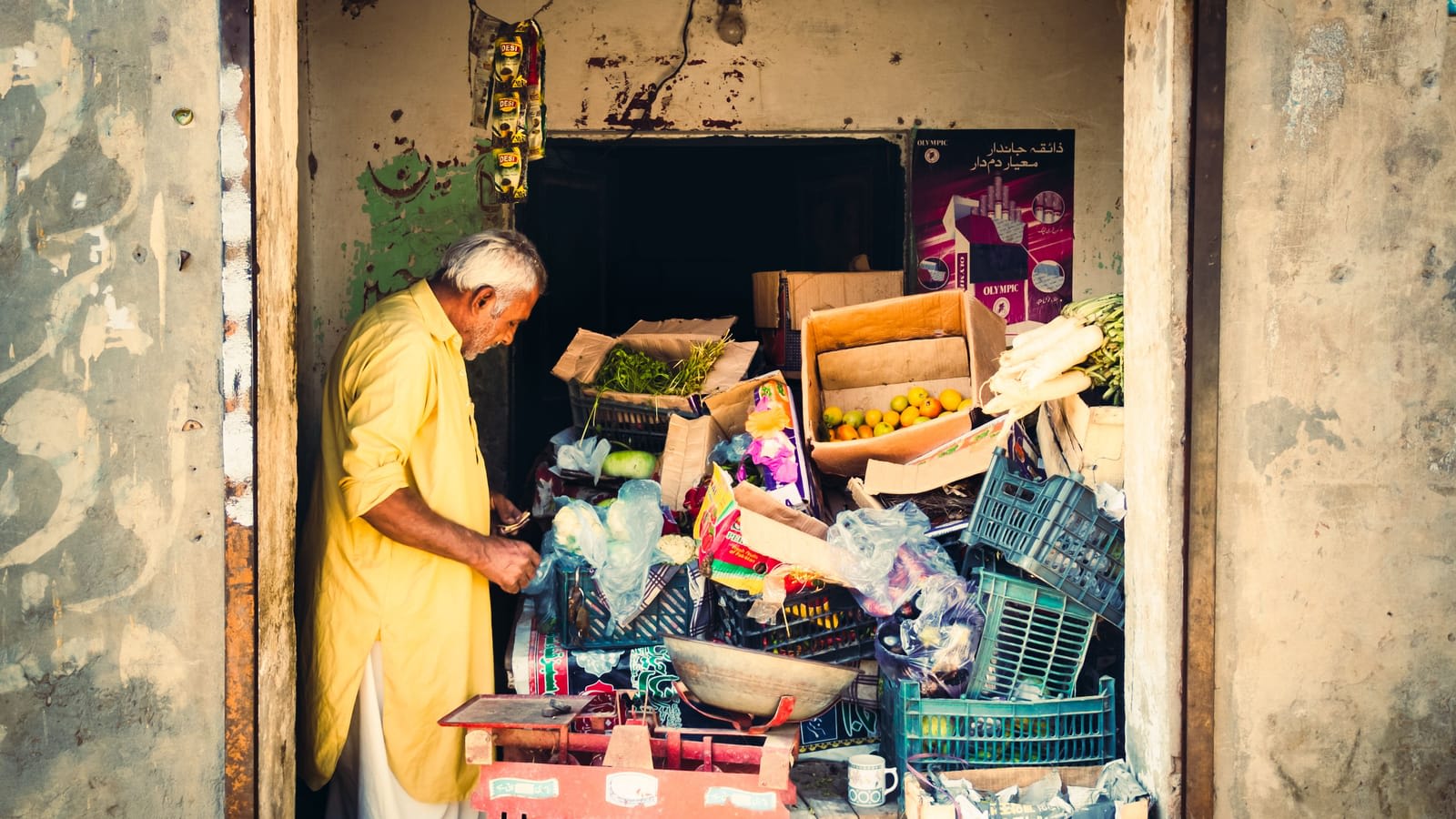
Stock taking means counting what is physically on your shelves and in your godown, and comparing it with what your records say should be there. Most shop owners know they should do it and put it off, because it sounds like a weekend of closing the shop and counting tins. It does not have to be.
Why counting matters
- Profit is wrong without it. Your monthly profit depends on closing stock value. Guess it and the profit is a guess.
- Losses stay hidden. Theft, damage, expiry, wrong billing and unrecorded transfers all show up only as a difference between shelf and system.
- Reordering goes wrong. If the system says ten and the shelf has two, you run out before you reorder.
- Staff take it seriously. Regular counts tell everyone that stock is watched.
Full count or cycle counts
A full count covers everything at once. Do it at least once a year, ideally at a quiet time (some shops pick the end of the financial year, others the week after Eid). It gives you a clean starting point.
Cycle counts cover a small part of the shop each week: one category, one aisle, or your top fifty items. Over a month or two you cover everything, and you never need to close. Count fast-moving and high-value items more often than slow, cheap ones.
| Item type | How often to count |
|---|---|
| High value (mobile phones, perfumes, branded watches) | Weekly |
| Fast movers (oil, ghee, cigarettes, drinks) | Every week or two |
| Normal shelf items | Monthly |
| Slow, cheap items | Every few months |
How to run a count
The same steps work for a ten-minute cycle count or a full count. A printable stock-take sheet helps if you count on paper first.
Step 1: Pick the area and time
Choose a category or aisle and a quiet hour. Tell staff not to move stock in that area while you count.
Step 2: Finish pending paperwork
Enter all purchases, returns and transfers that have arrived. Counting before recording a delivery creates fake differences.
Step 3: Count by shelf, not by list
Go shelf by shelf, left to right, top to bottom. Count every unit, including what is behind the front row and in the godown.
Step 4: Count in the selling unit
If you sell by piece, count pieces, even if you bought by carton. Open cartons are partial counts.
Step 5: Enter and compare
Enter what you counted. Look at items with a difference before you confirm anything.
Step 6: Recount big differences
A second person recounts any item with a large difference. Many differences disappear on a recount.
Step 7: Confirm and adjust
Once you are sure, save the count so the system matches the shelf, and note the reason for each difference.
Investigating differences
A difference is not proof of theft. Before you blame anyone, check the usual causes:
- Billing the wrong item. A cashier bills "Surf 500g" when the customer bought "Surf 1kg". One item shows short, the other shows extra. Look for pairs like this.
- Unrecorded purchases or returns. A delivery received but not entered, or goods returned to a supplier without a record.
- Unit mix-ups. A carton entered as one piece, or loose sales by weight that round down every time.
- Damage and expiry thrown away without a record. Record damage when it happens, not at the count.
- Transfers between shops. Goods sent to another branch without a transfer slip.
If differences remain on the same items count after count, and none of these explain it, look at who handles those items and when. Our guide to preventing theft at the counter covers that side.
Count on the screen, see the difference live
Add items by search, by scan or a whole category, type what is on the shelf, and see the system figure, the difference and its value before you save.

- Stock value at cost
- Items running low
Tips for accurate counts
- Two people per area: one counts, one writes or types. Swap halfway.
- Use barcodes: scanning to find the item avoids counting under the wrong name, especially for similar products.
- Do not count during billing in the same area. Every sale during a count moves the number.
- Mark counted shelves with a small sticker or chalk so nothing is counted twice.
- Keep counts short: an hour of careful counting beats a tired day of mistakes.
After the count
Look at the value of the differences, not just the number of items. A loss of three phone covers matters less than one phone. Track the total loss from each count over time: if it grows, something in the process has changed. Use the count to clean up too: remove expired stock, fix wrong prices and fix product names that confuse staff.
How Nafaa handles a count
Nafaa's stock count lets you add products by search, by barcode scan, or a whole category at once, and type the shelf quantity for each, including each size or colour separately. As you type, it shows the system figure, the difference and its value. A summary is shown before saving; when you confirm, each difference is booked in or out of stock and you see the total gained and lost. Damage and expiry are recorded on their own screen as they happen, and every movement of stock stays in its history.


