Updated
ServiceData migration
Switch to Nafaa without typing a single product
Send us your Excel files, old POS export or even photos of the register. We clean the data, import it with the same tools the app uses, and check it with you before the first bill.
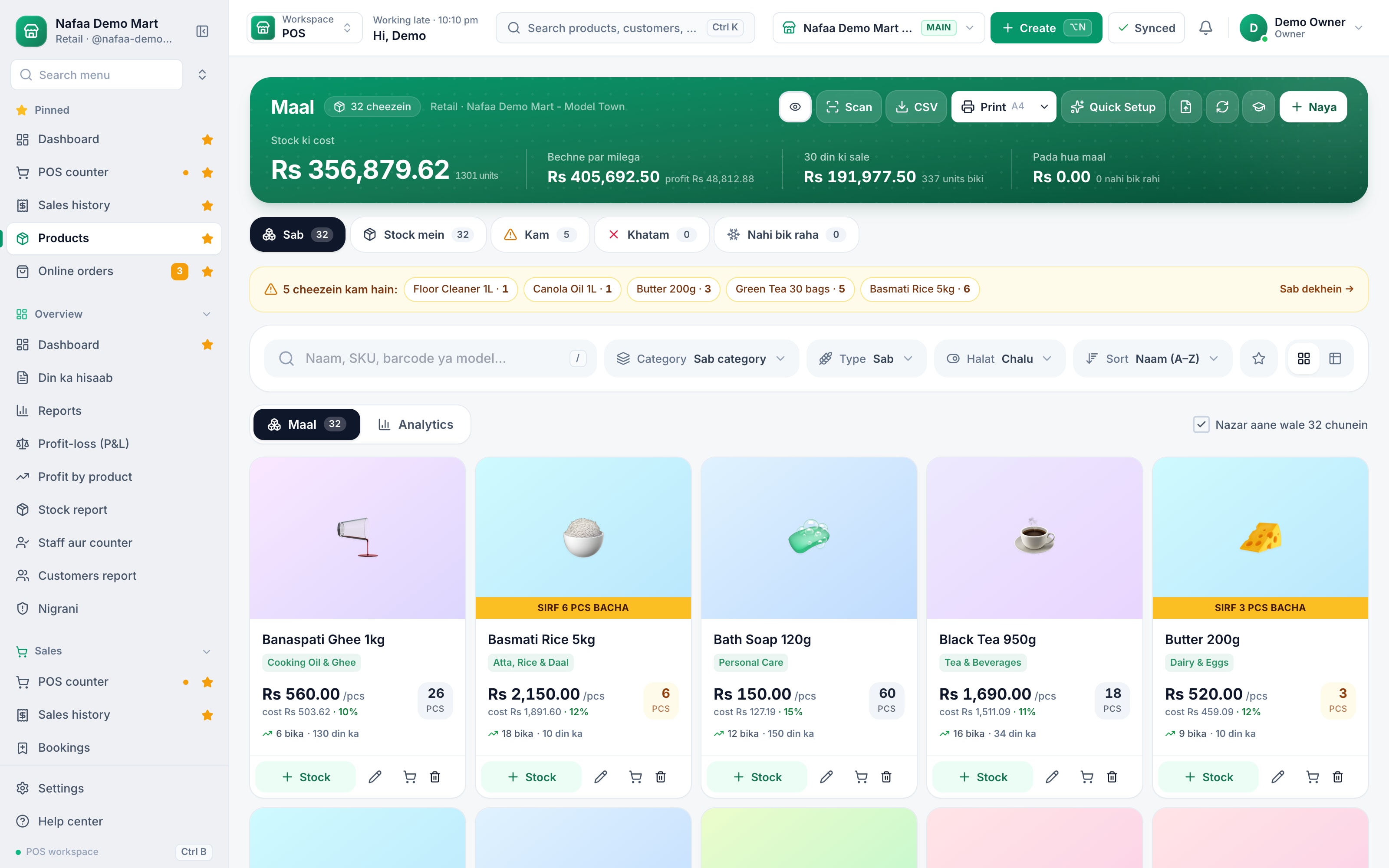
- Excel or old POS
- Khata balances
- Checked before go-live
- Area served
- Pakistan
- Pricing
- Quote based on the size and source of your data
- Timeline
- Usually days, agreed in the plan
Capabilities
What we move
Products and stock
Names, units, prices, cost, barcodes and opening stock.
Khata balances
Each customer's udhaar brought over from the register.
Suppliers
Supplier details and what you owe them.
Categories and brands
So the counter and reports are organised from day one.
Branches
Stock split by branch for multi-branch businesses.
A check with you
Totals and samples reviewed together before go-live.
Moving your data in
Process
How a migration runs
- 1
Send your data
Excel, CSV, an old POS export or photos of the register.
- 2
We clean it
Duplicates, missing prices and units are fixed and flagged.
- 3
Dry run
Nafaa's import shows every row before anything is saved.
- 4
Check and go live
We compare totals with you, then you start billing.
Quote lein
Tell us what you want to build. We reply with questions, a plan and a fixed price in PKR or USD, usually within one working day.
Prefer WhatsApp?
Chat on WhatsAppCommon questions
What can you move into Nafaa from my old system?
Products with prices, cost, barcodes and stock, customers with their khata balances, and suppliers with what you owe them. We take Excel or CSV files or an export from your old software, check them with you, and import them with the same tools the app uses, so nothing is typed by hand.
Can I bring my product list from Excel?
Yes. Download the import template, fill in names, prices, cost, stock and barcodes, and upload it. Nafaa checks the file first and shows every row it would add or change, so you can fix mistakes before anything is saved. Products can be exported back to Excel at any time.
How do you price a project?
After a short call we write down what will be built and send one fixed quote for that scope, in PKR or USD. You see the work in stages as it is built. If you want to change the scope later, we quote the change first and only start once you agree.
Solutions
Built on Nafaa
Inventory
Nafaa Inventory keeps stock right in every unit and every branch: products with cost, price and margin, barcodes and labels, combos, low-stock alerts, damage and adjustments with reasons, stock transfers between branches, and a full movement history. Import your list from Excel in minutes.Digital Khata
Nafaa Digital Khata replaces the paper udhaar register: every credit sale lands in the customer's khata from the counter, payments and old balances are recorded, balances are grouped by age, credit limits stop runaway udhaar, and a WhatsApp reminder goes out in one tap.
Other services
Custom Software Development
Nafaa's engineering team builds custom software for businesses in Pakistan and worldwide: ERP modules, internal tools, dashboards, customer and dealer portals, and integrations with Nafaa or any other system, delivered in visible stages for one fixed quote in PKR or USD.Website Design & Development
Nafaa designs and builds fast, modern websites for businesses in Pakistan and worldwide: company sites, landing pages and content sites with light and dark themes, search-friendly structure and an editor your team can use, for a fixed quote in PKR or USD.E-commerce Store Development
Nafaa builds online stores for businesses in Pakistan and worldwide: a store on Nafaa or Shopify or WooCommerce, products and stock connected to your Nafaa account, local payment and courier options, and a launch your team can run, for a fixed quote in PKR or USD.Mobile App Development
Nafaa builds Android and iOS apps for businesses in Pakistan and worldwide: customer apps, apps for field staff and riders, and companion apps for your systems, built with React Native and published to the stores, for a fixed quote in PKR or USD.FBR & PRA Integration Setup
Our team sets up FBR, PRA, SRB or KPRA invoicing in Nafaa with you: checking your registration details and POS ID, connecting the sandbox, testing invoices and receipts, and switching to live, so fiscal invoices print from the first real bill.