Updated
ProductPayments
Cash, card, wallets and khata on one bill
Customers pay how they like, and Nafaa keeps every rupee in the right place: the drawer, the wallet account, the bank or the khata. At closing time the cash register tells you exactly what should be in the drawer.
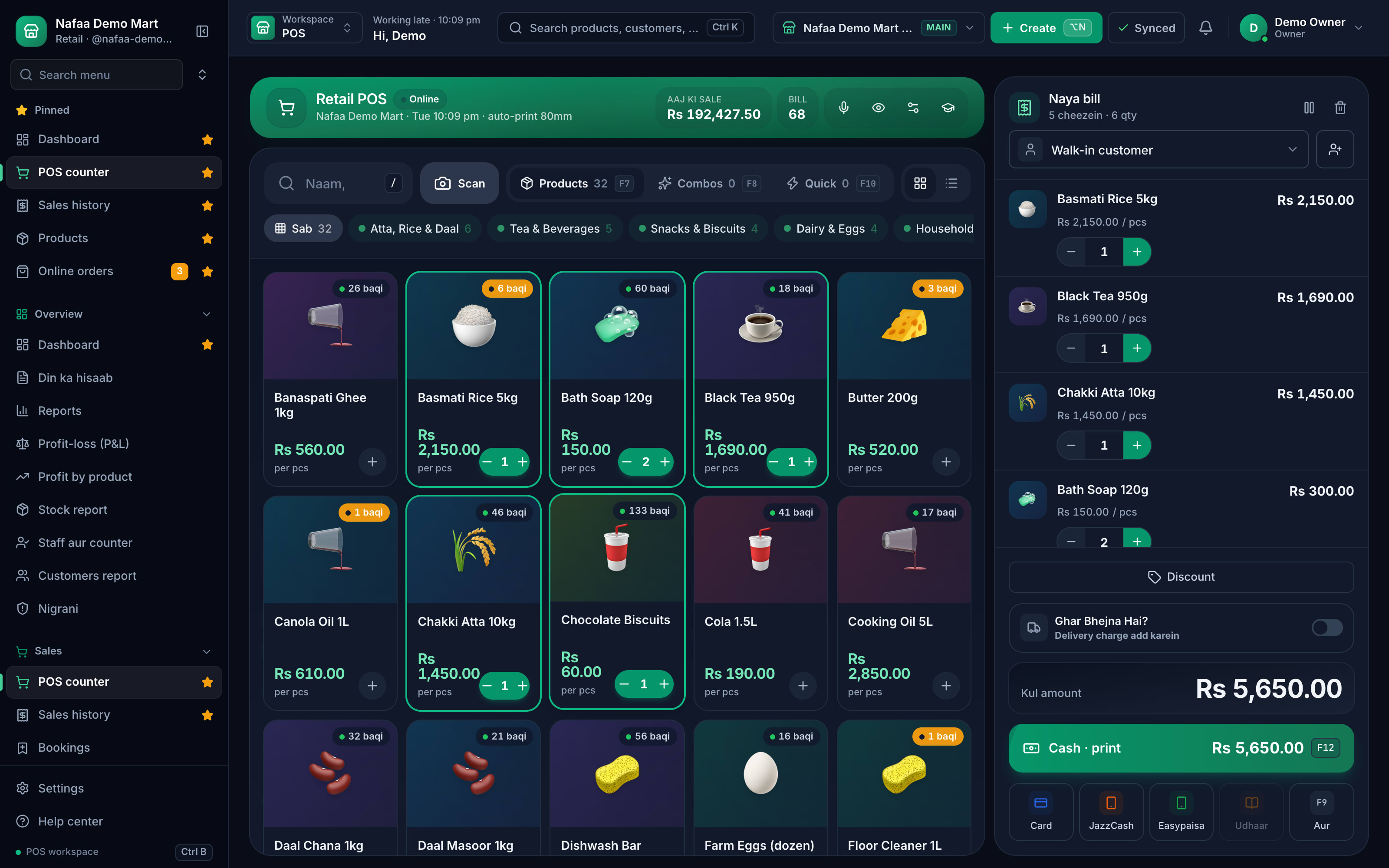
- Split payments
- Payment links
- Cash register
- 7 din Free Trial
- Keeps billing offline
- Help on WhatsApp
- English and Roman Urdu
- Phone, tablet or computer
Short answer
Nafaa takes every way Pakistan pays: cash, card, JazzCash, Easypaisa, bank transfer, QR and the customer's khata, split across one bill if needed, with a cash register that balances at the end of every day and payment links for online and phone orders.
Roman Urdu mein
Ek hi bill me cash, card, JazzCash, Easypaisa, bank ya udhaar. Din ke aakhir me galla khud batata hai ke drawer me kitne paise hone chahiye.
Key facts
- Methods
- Cash, card, JazzCash, Easypaisa, bank transfer, QR and khata
- Split
- One bill across several methods
- Drawer
- Opening cash, cash in and out, and the expected closing amount
- Online
- JazzCash and Easypaisa payment links for website orders
How it works
How money moves through Nafaa
- 1
At the counter
The cashier picks one method or splits the bill across several.
- 2
Into the right account
Cash goes to the drawer, wallets and card to their accounts, credit to the khata.
- 3
During the day
Record cash taken out for expenses or added for change.
- 4
At closing
Count the drawer; Nafaa shows the expected amount and any difference.
Every way Pakistan pays, in one bill
Features
Payments without the guesswork
Split tender
Part cash, part card, part khata, all on one receipt.
Payment QR
Show your merchant QR at the counter; Nafaa checks it is a valid payment QR before saving.
Payment links
Send JazzCash or Easypaisa links for online and phone orders.
Cash register
Opening float, cash in and out, and a closing count with the difference.
Expenses
Record shop expenses from the drawer so profit stays honest.
Payment mix
See how much came in by each method in the day book.
Inside the app
Every method one tap away
Cash, card, JazzCash, Easypaisa and udhaar sit at the bottom of the bill, with the total in large type.
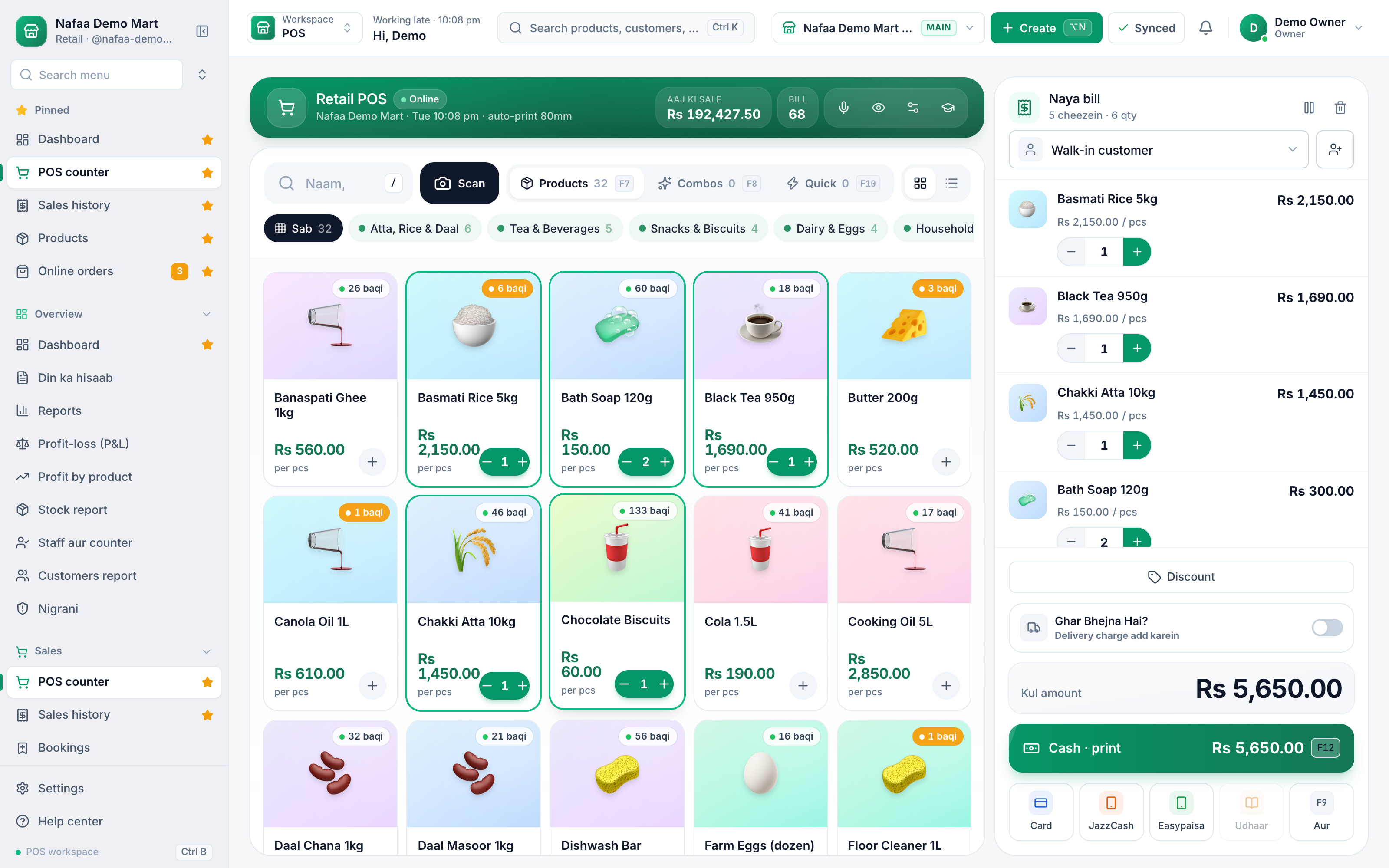
- Payment methods
- Bill total
Paid before it ships
Built around how Pakistan pays
Wallet payments are now part of every counter, but most billing software still treats them as "other". Nafaa records JazzCash, Easypaisa and bank transfers as their own methods, so the day book, the profit report and your accountant's journal all see the same split. Udhaar is a payment method too: what is not paid today goes on the customer's khata with the bill attached.
Common questions
Can one bill be paid partly in cash and partly by card or wallet?
Yes. At checkout you can split one bill across cash, card, JazzCash, Easypaisa, bank transfer and the customer's khata. Each part is recorded with its method, so the cash drawer, the wallet totals and the khata balance all stay correct in the day book.
How much does Nafaa cost?
Paid plans start at Rs 1,500 a month. The pricing page lists every plan with its price and limits, taken straight from our plan settings, so it is always current. You can start with the free trial first, and no credit card is needed to sign up.
Does Nafaa work without internet?
Yes, the counter keeps billing when the internet drops. Sales made offline are saved on the device and sent to your account automatically when the connection comes back, and you can see the sales still waiting to be sent. Reports and other branches see those sales once they have synced.
More from Nafaa
POS & Billing
Nafaa POS is the billing counter for any business: scan a barcode or tap a quick key, sell by piece, dozen or carton, take cash, card, JazzCash, Easypaisa or khata in one bill, print or WhatsApp the receipt, and keep billing when the internet drops. It runs on the phone, tablet or computer you already have.Digital Khata
Nafaa Digital Khata replaces the paper udhaar register: every credit sale lands in the customer's khata from the counter, payments and old balances are recorded, balances are grouped by age, credit limits stop runaway udhaar, and a WhatsApp reminder goes out in one tap.Inventory
Nafaa Inventory keeps stock right in every unit and every branch: products with cost, price and margin, barcodes and labels, combos, low-stock alerts, damage and adjustments with reasons, stock transfers between branches, and a full movement history. Import your list from Excel in minutes.FBR & PRA Invoicing
Nafaa is an FBR & PRA approved POS integrator. Every sale can be reported to FBR, PRA, SRB or KPRA from the counter, the fiscal invoice number and QR code print on the receipt, failed invoices retry by themselves, and tax reports are ready for your return.
Take every payment your customers offer
- 7 din Free Trial
- Keeps billing offline
- Help on WhatsApp