POS Hardware Kit: What a Shop Needs at Each Size
A small shop can start billing on a phone it already owns, a busy single counter needs a PC or tablet with a scanner, receipt printer, cash drawer and power backup, and a multi-counter store adds label printing, a customer display and a second internet line. This guide lists the kit for each size, the order to buy in, and what to test before you pay.
- Published
- Reading time
- 6 min read
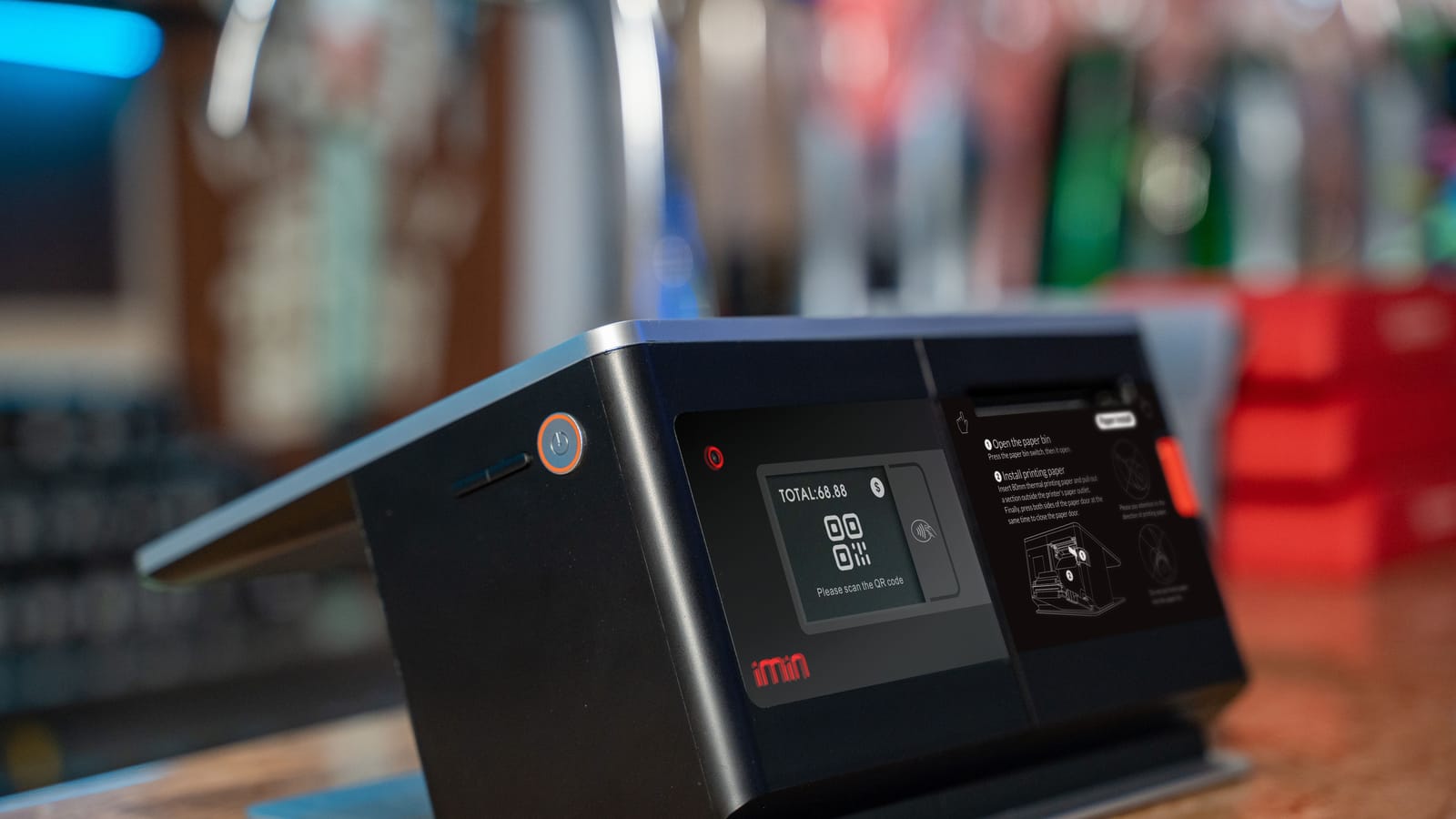
Shop owners often buy a full POS kit on the first day: a touch-screen PC, scanner, printer, drawer and a second screen, because that is what the vendor shows. Some of it then sits unused, while the one thing the counter really needed, power backup, was never bought.
Hardware should follow the counter, not the catalogue. This guide lists what a shop needs at each size and in what order to buy it. For a deeper look at receipt printers alone (paper width, connection types, kitchen and A4 printing), read choosing a receipt printer.
The counter device
Everything plugs into one device. You have three choices:
- Android phone. Enough for a small shop with a few dozen bills a day. You already own it, it has its own battery and mobile data, and receipts can go to the customer on WhatsApp instead of paper. The screen is small for long bills.
- Tablet. A good middle step: a bigger screen for a product grid, still battery-powered, easy to mount on a stand. Bluetooth printers pair well with tablets.
- PC or laptop. Best for a busy counter: a full keyboard for fast search and shortcuts, USB ports for a scanner, printer and drawer, and room for a second screen. A laptop carries its own battery through short power cuts; a desktop PC needs a UPS.
Whatever you pick, use a supported, updated browser or the vendor's app, and keep the device for the counter only. A counter PC that is also used for videos and downloads is slower and less safe.
The parts of a counter
Barcode scanners
Most counter scanners connect by USB and act like a keyboard: they type the code and press Enter, so they need no drivers. The choice is mainly about what they can read:
- 1D (laser or linear) scanners read the printed barcodes on packs and your own labels. They are the cheapest and suit most shops.
- 2D (imager) scanners also read QR codes and barcodes on a phone screen. Pick one if customers will show codes on their phones or if your suppliers use QR codes.
- Wireless or Bluetooth scanners suit heavy items (cement bags, cartons of oil) that cannot be lifted to the counter, and stock counts on the floor. They need charging.
If you have not decided whether you need barcodes at all, read barcode or no barcode first.
Receipt printer and cash drawer
Thermal receipt printers come in 58 mm and 80 mm paper widths. Many use the ESC/P family of commands, which is still widely used in receipt thermal printers, so most POS software can talk to them. Choose 80 mm with USB for a busy counter, 58 mm Bluetooth for a phone or tablet.
A cash drawer usually plugs into the receipt printer with a small cable and opens when a cash bill prints. Buy a drawer only when cash is handled by staff, not only by the owner; then the drawer, a fixed opening float and a daily count work together.
Label printer, scale and customer display
These three are for specific shops:
- Label printer: for garments, shoes, hardware parts, or anything you price and label yourself. Shops that label only now and then can print on A4 sticker sheets with an ordinary printer instead.
- Weighing scale: for kiryana loose goods, meat, sweets, dry fruit and sabzi. A scale that connects to the counter sends the weight into the bill and avoids misreading.
- Customer display: a second screen or a monitor turned towards the customer, showing items and the total. It helps trust at busy counters and makes QR payment easier.
Kits by shop size
| Small shop | Busy single counter | Store with 2+ counters | |
|---|---|---|---|
| Device | Android phone | PC, laptop or tablet | PC at each counter |
| Scanner | Phone camera or none | USB 1D or 2D | USB 2D, plus one wireless for the floor |
| Receipts | WhatsApp, or a 58 mm Bluetooth printer | 80 mm USB printer | 80 mm USB printer per counter |
| Cash drawer | Not needed | Yes, if staff handle cash | One per counter |
| Labels | None | A4 sheets if needed | Thermal label printer |
| Scale | If you sell loose | If you sell loose | Connected scale at the loose counter |
| Customer display | No | Optional | Yes |
| Power | Phone battery | UPS for PC, printer and router | UPS per counter, plus a backup for the router |
| Internet | Mobile data | Main line plus phone hotspot | Two lines from different providers |
Power and internet are part of the kit
Load-shedding makes power backup as important as the printer. A UPS keeps equipment running from a battery when mains power fails; small units are meant to run for a short time, typically 5 to 15 minutes, which is enough to finish bills and switch to a generator or inverter. For longer cuts, plan the counter on the shop's inverter or solar circuit. Put the router on backup too.
Your POS should also keep billing when the internet drops. Our load-shedding-proof billing guide covers power, internet and offline billing together.
Buy in this order
Step 1: Start with the device you have
Bill on your phone or existing PC for a week and note what slows the counter down.
Step 2: Add power backup
A UPS or inverter connection for the counter device, printer and router.
Step 3: Add a scanner
If most of your items are packed goods with barcodes.
Step 4: Add a receipt printer
When customers ask for paper bills or WhatsApp receipts are not enough.
Step 5: Add a cash drawer
When staff start handling cash.
Step 6: Add the rest when a need shows
Label printer, scale, customer display, a second counter.
The smallest kit: a phone
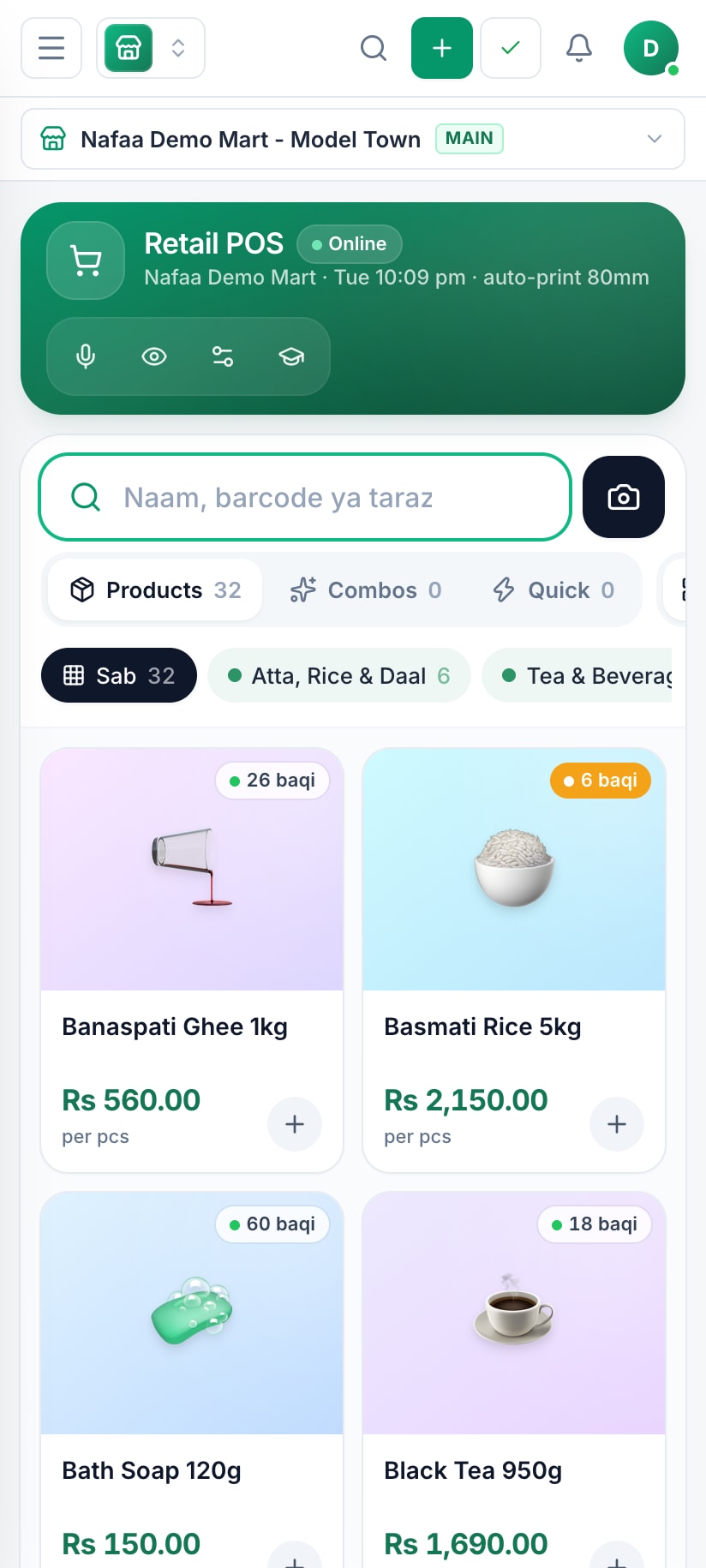
A small shop can bill from an Android phone: tap items, take payment and share the receipt on WhatsApp.
Test before you pay
At the shop or the vendor, connect each item to the device you will actually use. Scan ten of your own products, including a small or shiny pack. Print a receipt with your longest real bill and check the Urdu or English text is readable. Open the drawer from a test sale. Pull the power plug and check the UPS takes over without a restart. Ask how warranty repairs work and how long they take, because a counter without a printer for a week costs more than the printer.
How Nafaa helps
Nafaa runs in the browser on a PC, laptop, tablet or Android phone, and there is a Windows desktop app. You do not need special hardware to start: bills can print through the browser or go out on WhatsApp. Settings, POS hardware sets up a receipt printer over USB, serial or Bluetooth, a cash drawer that opens with a cash bill, a barcode scanner that works as a keyboard, a weighing scale that reads the weight into the bill, and a customer display on a second screen, each with a test button. Each counter keeps its own devices. The counter keeps billing offline when the internet drops. If you want advice before buying, the POS hardware service can recommend a kit for your counter, and offline POS explains how billing continues without internet.
Sources
- Uninterruptible power supply · Wikipedia · Accessed
- ESC/P (printer control language) · Wikipedia · Accessed