Managing Stock by Size and Colour in a Clothing Shop
How garments and shoe shops can track stock by size and colour without drowning in product names: setting up variants, labelling, reordering the sizes that actually sell, handling exchanges and seasons, and what to plan when starting a clothing shop.
- Published
- Reading time
- 5 min read
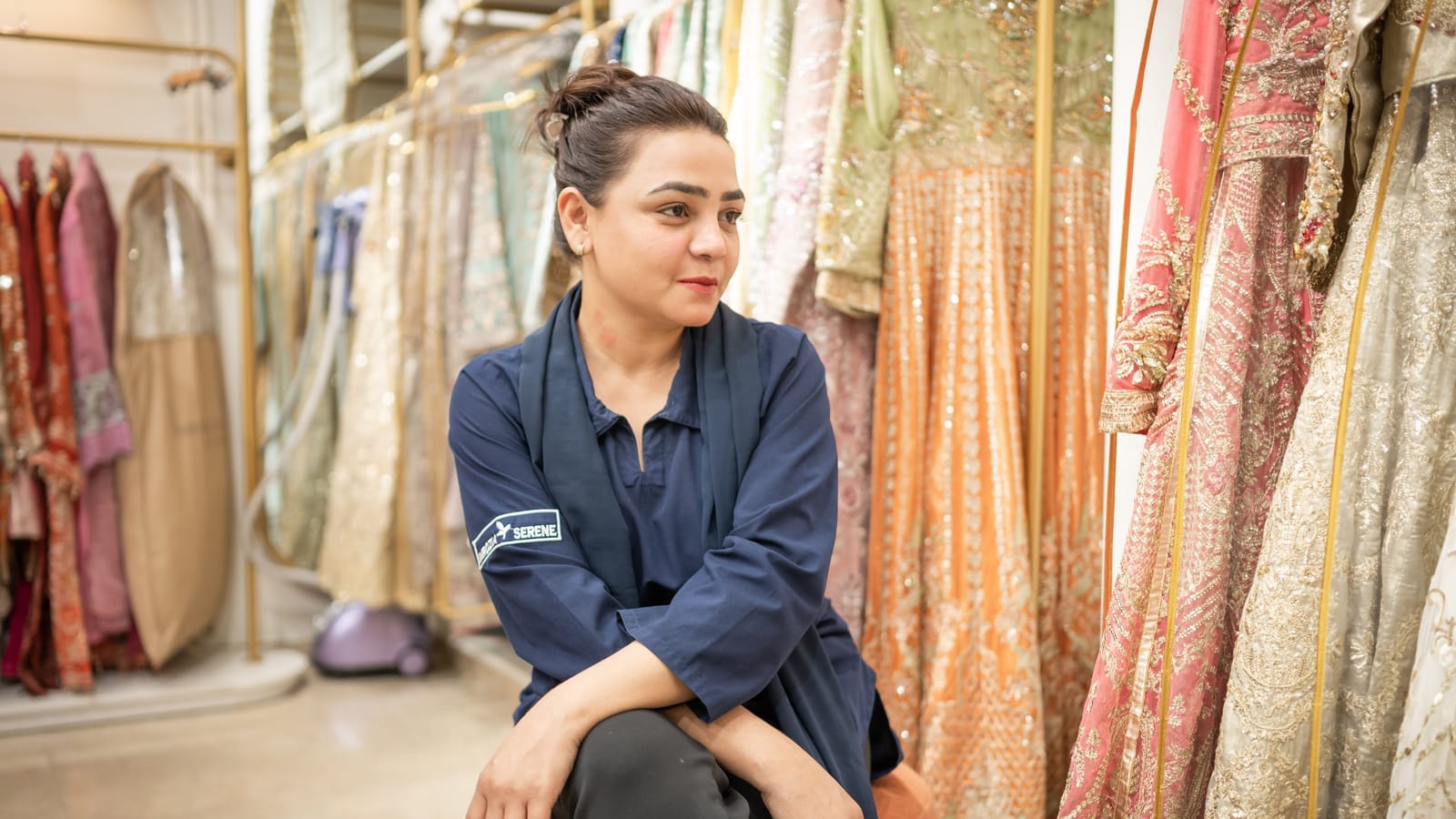
A grocery store sells one kind of Lipton tea in one size. A clothing shop sells one kurta design in five sizes and three colours: fifteen different items that look like one product on the rack. That is why stock in garments and shoe shops gets messy so fast. The design sells out in medium while the extra-large sits for a year, the count says "12 kurtas" and nobody knows which, and the Eid reorder is a guess.
The fix is to track each size and colour as its own stock line, under one product.
Products and variants
Set up each design as one product (for example "Lawn 3-piece, Design 204") with variants for each size and colour combination. Every variant has its own stock, its own barcode and, if needed, its own price. Reports can then show the design as a whole, or drill into which sizes sold.
| Product | Variant | Stock |
|---|---|---|
| Men's kurta, cotton, style 118 | White / M | 6 |
| White / L | 4 | |
| White / XL | 1 | |
| Black / M | 3 | |
| Black / L | 0 |
Avoid making each size a separate product with names like "Kurta 118 White M". Names drift ("Kurta118 Wht Med"), searches miss items, and reports cannot add them up.
Size systems
Decide your size system per category and stick to it: S, M, L, XL for western wear; chest or length measurements for shalwar kameez; numeric sizes for shoes; age ranges for children's wear. A size chart for each category, shown to staff and online customers, saves many exchanges.
Set up size and colour stock
A new delivery of twenty designs takes much less time this way than typing every size as a new product.
Step 1: Define size and colour lists
One list of sizes per category, one list of colours. Use the same spelling everywhere.
Step 2: Create one product per design
Add the design with its price, cost and category.
Step 3: Generate the variants
Pick the sizes and colours that exist for that design. The system creates every combination.
Step 4: Enter stock per variant
Count each size and colour separately when you enter opening stock.
Step 5: Print a label for every piece
Each label carries the variant's barcode, size, colour and price, so the counter bills the exact piece.
Reorder the sizes that sell
Look at sales by size, not just by design. Most shops find that a couple of middle sizes sell far faster than the rest. When you reorder, buy in proportion to what sold, not an equal number of every size. Mark the sizes that sold out first; they are the ones you lost sales on.
Keep the broken size runs in mind too. A design with only XS and XXL left looks in stock but will not sell. Move these to a sale rack or bundle them before the season ends.
Exchanges
Size exchanges are part of clothing retail, especially after Eid and weddings. Make them simple and clean:
- Exchange only against the original bill, within a set number of days.
- Return the old piece to stock in its exact size and colour, and bill the new one.
- If prices differ, collect or refund only the difference.
- Print the exchange policy on the bill.
Seasons and collections
Garments move with the seasons: summer lawn, winter khaddar, Eid collections, wedding wear. Tag products with their collection so you can see how each one sold and what is left when the season ends. Plan the end-of-season sale from that list, not from memory.
Shoes need the same care
Shoe shops have the same problem with an extra twist: a pair is one unit, and a customer who tries three sizes leaves boxes open on the floor. Keep each size as a variant, put the label on the box, and return tried pairs to the right box before the next customer. Count shoes by box during stock taking, and check that the pair inside matches the label.
Price, cost and stock on every item
Product cards show price, cost, margin and stock, with low stock flagged, so a size that is running out is visible before the weekend.
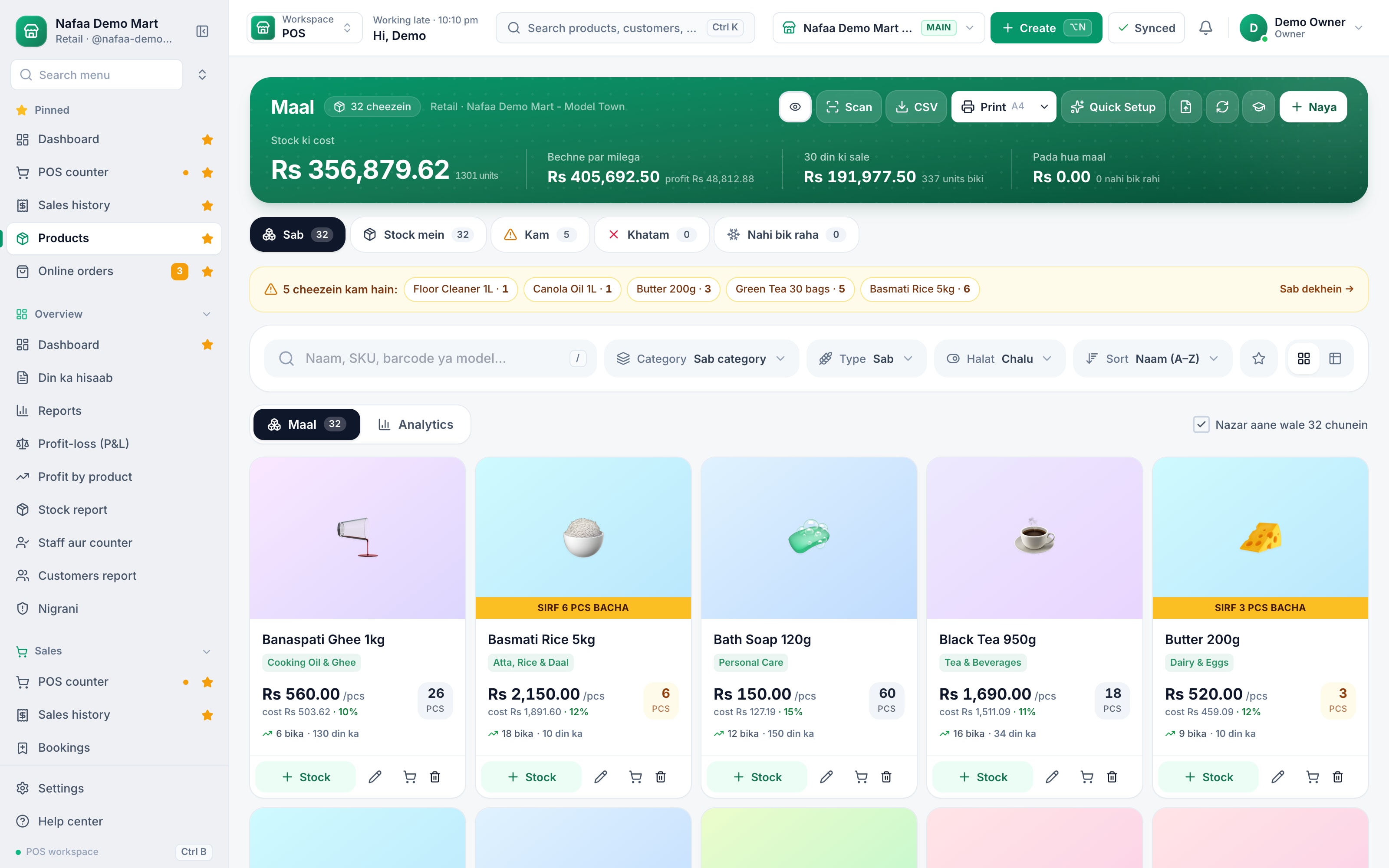
- Items running low
- Price, cost and margin
Starting a clothing shop: what to plan
If you are opening a garments or shoe shop, a few decisions save trouble later:
- Pick a clear segment: men's, women's, children's, unstitched fabric, ready-to-wear, or shoes. Mixing everything makes stock hard to manage at the start.
- Buy narrow and deep: fewer designs with a full size run sell better than many designs with one or two sizes each.
- Plan for tailoring and alterations if you sell unstitched suits or formal wear. Customers expect it, and it brings them back.
- Set up variants and labels before opening day, so you never have to clean up a year of messy product names.
- Keep working capital for the season. Eid and wedding stock is bought weeks before it sells.
How Nafaa helps
Nafaa's garments setup treats size and colour as variants of one product, each with its own stock and barcode, and size charts per category. Labels show size, colour and price. The stock count lets you count each size and colour separately. On the garments side there are screens for collections, measurements, stitching orders, alterations, holding a piece for a customer, instalment plans and exchanges, with exchanges needing the returns permission. Fabric can be sold by metre or yard and shoes by the pair.