How to Choose POS Software for a Kiryana Store in Pakistan
A fair buyer's guide to POS software for kiryana and general stores: the kinds of software on offer, what to check, a ten-minute test to run in any demo, how pricing usually works, and when a simpler tool is enough.
- Published
- Reading time
- 5 min read
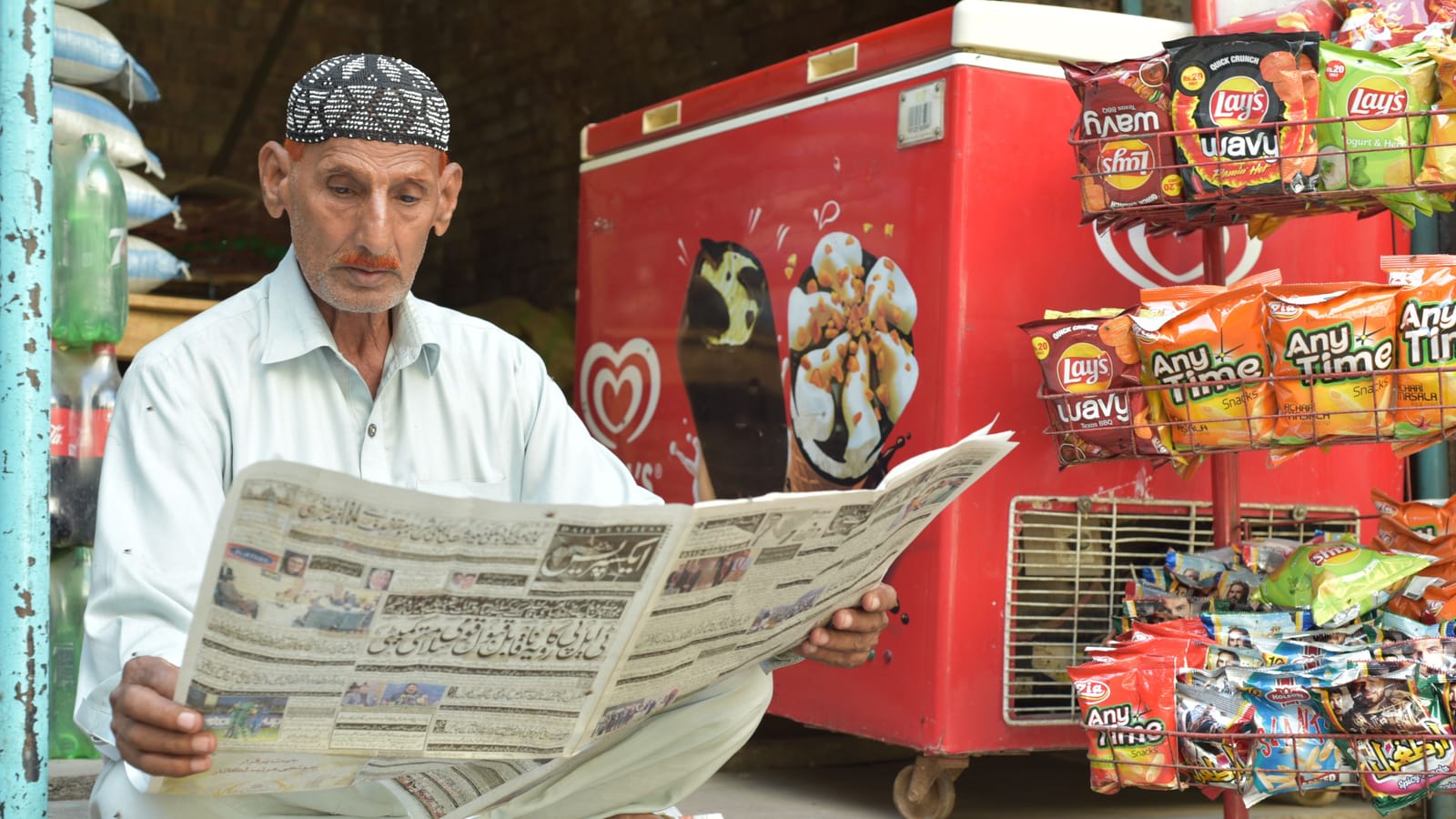
Search for "best POS for kiryana" and you will find lists that put the writer's own product first. This is not one of those. A kiryana store has specific needs: fast billing of small baskets, loose goods by weight, udhaar for regular customers, frequent stock from many suppliers, and power cuts. The best software for your shop is the one that handles those well, at a price you can carry every month, from a company that will still answer the phone next year.
The kinds of software you will find
Installed desktop POS. Software installed on one shop computer, often sold and set up by a local vendor. It works without internet. Check how backups are taken, what happens if the computer fails, and whether you can see your sales from home.
Cloud POS apps. Software that runs in the browser or as an app, with data stored online. You can check sales from anywhere and add counters easily. Check what happens when the internet goes down: some keep billing offline and sync later, others stop.
Khata-only apps. Phone apps that record udhaar and send reminders, without billing or stock. Good if credit is your only problem. Not enough if you want to know stock and profit.
Accounting software with invoicing. Built for bookkeeping, with invoicing added. Strong for an accountant, usually slow for a counter with a queue.
Excel or paper. No monthly cost, full control, and no automation. Many shops start here and move when they add a second person or a second shop.
What to check, in order of importance
| Need | What to ask | Why it matters at a kiryana |
|---|---|---|
| Billing speed | How many keystrokes to bill five items? Can I search, scan and use quick keys? | Evening queues do not wait |
| Loose goods | Can I sell by kg, gram and piece from one item? Can a scale connect? | Rice, daal and sugar are sold loose |
| Udhaar | Is the khata inside the POS? Are there reminders and credit limits? | Credit is part of daily trade |
| Offline | Can I keep billing with no internet, and does it sync later? | Internet and power cuts happen |
| Stock | Does every sale reduce stock? Is there a low-stock list and a stock count? | Without it, you reorder by guesswork |
| Purchases | Can I record supplier bills and what I owe each supplier? | Your cost and profit depend on it |
| Payments | Are JazzCash, Easypaisa and bank transfers separate methods? | So the galla and the wallet both reconcile |
| Staff control | Can I limit discounts and require a PIN for refunds and voids? | Small leaks add up |
| Hardware | Which printers, scanners and scales work? Do I have to buy theirs? | Hardware is a one-time cost you control |
| Data | Can I export my products, customers and sales to Excel? | You should never be locked in |
| Support | Who answers, in which language, at what hours? | You will need help on a busy day |
A ten-minute test to run in any demo
Run the same test on every product you consider. The differences show up quickly.
Step 1: Bill a real basket
Ask them to bill: two packets by barcode, one kilo of loose sugar, one item by search, a discount on one line. Count the time.
Step 2: Put it on udhaar
Charge the bill to a customer's khata, then take a part payment. Ask to see the balance and send a reminder.
Step 3: Pull the internet
Turn off Wi-Fi and bill again. Turn it back on and check the sale arrived.
Step 4: Return an item
Do a return. See whether stock goes back and whether it needs a manager's PIN.
Step 5: Check the day
Close the shift: expected cash, counted cash, difference. Open the day's profit.
Step 6: Export
Ask to export the product list to Excel. If they hesitate, note it.
How pricing usually works
- One-time licence: pay once, often with a yearly fee for updates or support. Lower cost over many years, but upgrades and new devices may cost extra.
- Monthly or yearly subscription: smaller payments, updates included, and you can stop. Cost adds up over time.
- Per counter or per branch: common in both models. Check what a second counter costs before you need one.
- Hardware bundles: convenient, but compare the hardware price with the open market.
Ask for the total cost of your first year, including setup, training and hardware, in writing.
Red flags
- No free trial or demo on your own data.
- No way to export your data.
- Prices that change after setup.
- Support only through one person's mobile number.
- Claims you cannot check, such as numbers of users or approvals with no proof.
Where Nafaa fits
Nafaa is a cloud POS with offline billing, the khata inside the counter, stock, purchases and reports. You can check every claim above on a free trial with your own items.
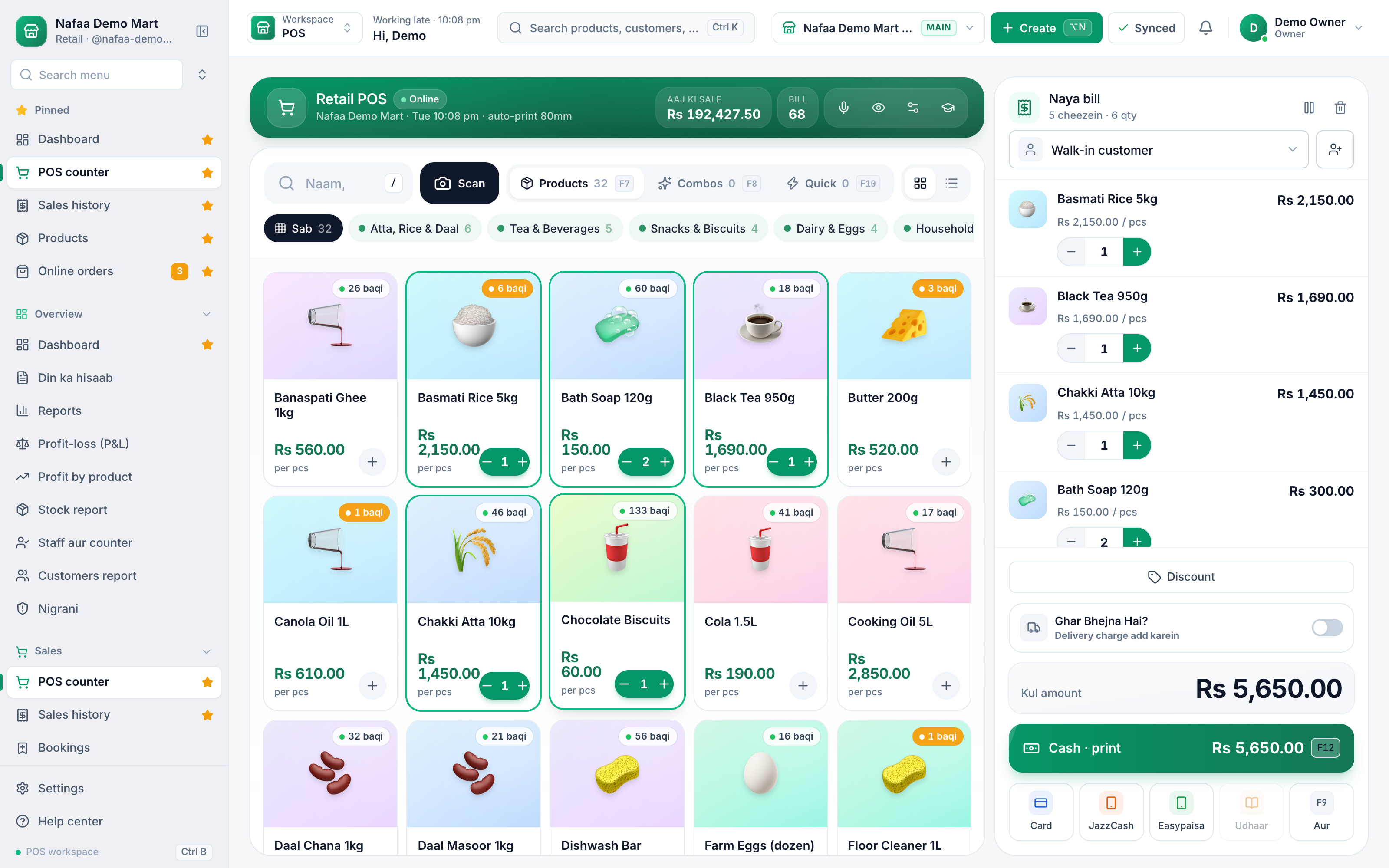
- Categories and quick keys
- Card, JazzCash, Easypaisa, udhaar
Our product, honestly
Nafaa covers the checklist above: barcode, search and quick-key billing, loose goods by weight with a connected scale, the khata with credit limits and WhatsApp reminders, offline billing that syncs later, low-stock lists and stock counts, supplier bills and balances, wallet payments as their own methods, discount limits and PIN rules for refunds and voids, standard thermal and A4 printers, and export to Excel. Paid plans start at Rs 1,500 a month after a free trial.
It is not the right choice for everyone. If udhaar is your only problem, a khata-only app may be enough. If you never want a monthly bill and are happy with one computer, an installed desktop POS may suit you. Run the test, and choose what works for your counter.
