How to Start a Kiryana Store in Pakistan
A practical plan for opening a kiryana or general store: choosing the location, working out your budget, registration, buying the first stock, setting prices, setting up the counter and getting through the first 90 days.
- Published
- Reading time
- 4 min read
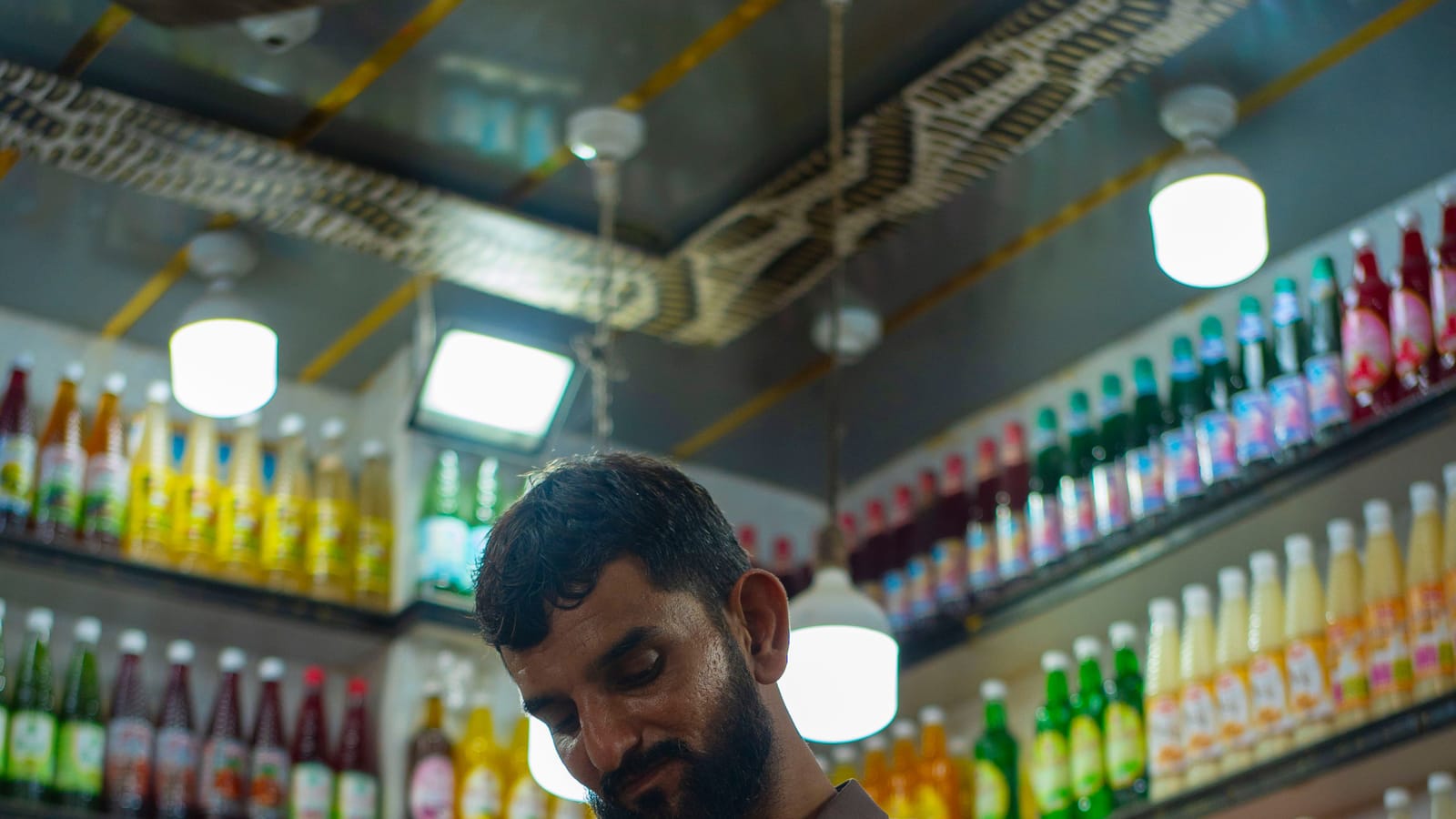
A kiryana store looks simple from the customer's side of the counter: shelves of atta, ghee, daal, soap and biscuits, a fridge of milk and drinks, and an owner who knows everyone by name. From the owner's side it is a business of thin margins, fast turnover and a lot of small decisions. Done well it is steady, everyday income. Done carelessly, money disappears into udhaar, expired stock and items that never sell.
This guide walks through the decisions in the order you will face them.
1. Choose the location before anything else
Location decides most of your sales. Walk the street at different hours before you sign anything.
- Footfall and homes. A kiryana lives on the households within walking distance. Count the houses and flats, not just the passing traffic.
- Competition. Two stores on one corner can both do well if the area is dense. One store in a thin area may still struggle.
- Visibility and parking. A shop on the side of the street people walk home on does better than one they have to cross to reach.
- Electricity and water. Fridges and freezers need a steady supply. Ask neighbours about load-shedding and plan for a UPS or generator.
- Rent terms. Read the advance, the yearly increase and who pays for repairs.
2. Build your budget from cost heads
We do not quote "how much it costs", because it depends on city, size and stock mix. Instead, list each cost head and get local quotes:
| Cost head | What to price |
|---|---|
| Premises | Advance, monthly rent, any pagri |
| Fit-out | Shelves, counter, signboard, lights, wiring |
| Cold storage | Fridge, freezer, often supplied by a drinks or dairy company on agreement |
| Equipment | Scale, barcode scanner, receipt printer, phone or computer, UPS |
| First stock | Your opening order (the biggest single cost) |
| Working capital | Cash to restock for the first two to three months and to carry udhaar |
| Registration | Licences and any fees in your area |
The working capital line is the one new owners forget. Your money sits on the shelf and in customers' udhaar before it comes back.
3. Register the business
Requirements vary by city and province, so check locally. Common steps include:
- An NTN from FBR, done on the IRIS portal.
- A food licence where your province requires one for food businesses. In Punjab, the Punjab Food Authority takes licence applications online; other provinces have their own food authorities.
- Any trade or signboard permission your local government asks for.
4. Buy the first stock
Start with what every household buys every week, and add to it from what customers ask for.
- Staples first: atta, rice, daal, sugar, ghee and cooking oil, tea, milk, eggs, bread.
- Daily-use packaged goods: soap, detergent, shampoo sachets, biscuits, snacks, drinks.
- Fewer slow movers: keep one or two brands of slow items until demand shows.
Buy staples from your city's wholesale market, and let distributors of the big brands visit you. Their order bookers come on a fixed day, often offer credit terms, and bring scheme offers. Keep every purchase bill: it is your cost record.
Set up the counter
A billing system set up before opening day saves weeks of catching up.
Step 1: Load your products
Enter each item with its sale price, cost and stock. Import from an Excel list if your supplier gives one.
Step 2: Barcode what you can
Packaged goods already have barcodes; scan them once to link. Print your own labels for loose items you pack yourself.
Step 3: Connect the scale and printer
A weighing scale for loose goods and a small receipt printer speed up billing and prevent arguments.
Step 4: Decide your udhaar policy
Who gets credit, up to how much, and when they pay. Set a limit per customer from day one.
Step 5: Open with real bills
Bill every sale, even the small ones, so your stock and profit numbers are right from the first day.
A kiryana counter in Nafaa
Categories like atta, rice and daal on the left, the bill on the right, and every payment method one tap away.
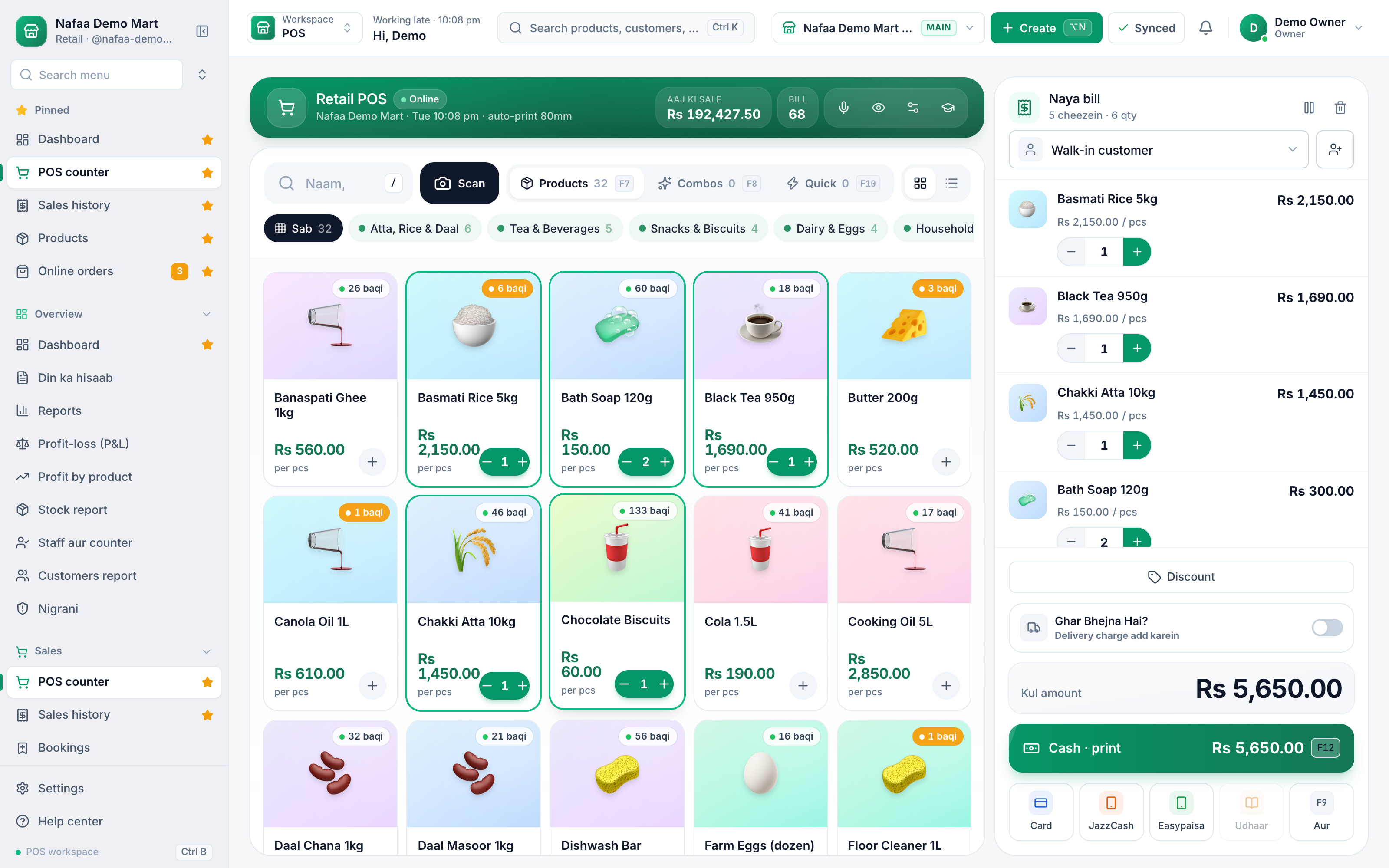
- Categories like Atta, Rice & Daal
- Stock left on each item
- Cash, JazzCash, Easypaisa or udhaar
5. Set prices that leave a profit
Packaged goods carry a printed retail price, and you sell at or below it. Your margin on them is the gap between the distributor's price and that printed price, so compare distributors and schemes. Loose goods (rice, daal, sugar) are where you set the price yourself: work it out from your cost per kilo, not from the shop next door. Our guide on calculating profit margin shows the arithmetic.
6. The first 90 days
- Week 1 to 4: Note every item customers ask for that you do not have. That list is your next order.
- Month 2: Look at your sales by item. Reorder fast sellers before they run out; stop reordering what has not moved.
- Month 3: Count your stock once and compare it with the system. Check your udhaar list and collect the oldest balances.
Keep your personal spending out of the galla. Pay yourself a fixed amount, record shop expenses separately, and the profit figure will tell you the truth.
Where Nafaa helps
Nafaa runs the counter, stock and khata in one place on the phone or computer you already have. Every bill lowers stock, udhaar goes straight onto the customer's khata with a WhatsApp reminder one tap away, the low-stock list shows what to reorder, and the profit report shows which items earn and which only take shelf space.

