NafaaThree languages
Run your business in the language you think in
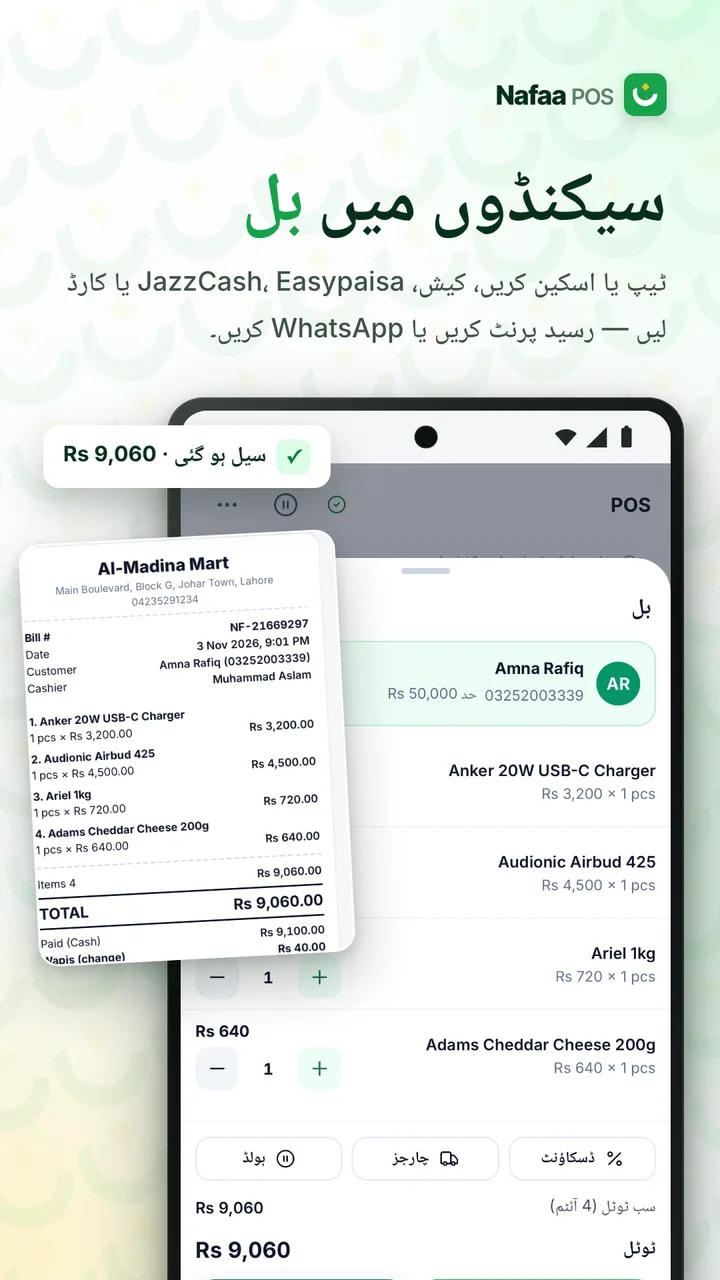
Nafaa speaks English, Urdu and Roman Urdu across the whole app. The owner can read reports in English while the cashier bills in Urdu on the same account, and everyone uses simple, everyday words.
- English
- اردو
- Roman Urdu
Languages in short
Nafaa works in three languages: English, Urdu in right-to-left script, and Roman Urdu. Each person picks their own language for their screens on the web, desktop and mobile app, and Nafaa AI answers in the language you use. Business words like Sale, Profit and Stock stay in the words shops already use.
Roman Urdu mein
Nafaa teen zabanon me hai: English, Urdu aur Roman Urdu. Har banda apni zaban khud chunta hai, aur Nafaa AI bhi usi zaban me jawab deta hai.
Key facts
- Languages
- English, Urdu (right to left) and Roman Urdu
- Who chooses
- Each person picks their own language; the shop sets a bill language
- Where
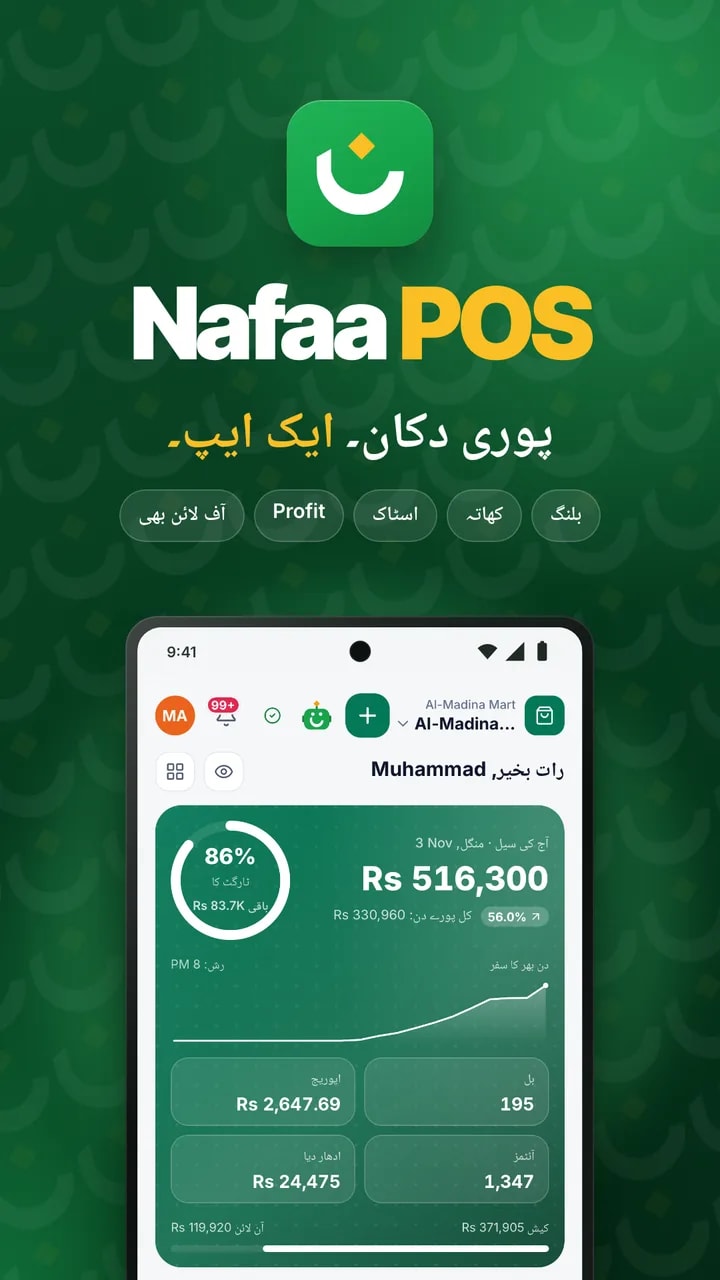
- Web app, Windows desktop app and the Nafaa POS mobile app
- Nafaa AI
- Answers in the language of the question or the app
Features
One app, three languages
English
Clear, plain English for owners, managers and accountants.
Urdu
Urdu script with the whole screen right to left, in an Urdu font made for screens.
Roman Urdu
Urdu written in English letters, the way most people type on their phones.
Each person chooses
The owner, manager and cashier can each use a different language on the same account.
Nafaa AI too
Ask a question in English, Urdu or Roman Urdu and the answer comes back in the same language.
Every device
The same three languages on the web, the Windows desktop app and the mobile app.
Urdu, right to left
In Urdu the whole app turns right to left: menus, forms, tables and the bill. The default Urdu font is Noto Naskh, which stays clear on a busy screen; if you prefer the classic Nastaliq look, choose it under Appearance.
How it works
Choose your language
- 1
At sign-up or login
The language picker is on the login page and the first sign-up step.
- 2
From the profile menu
Switch at any time from the menu under your name.
- 3
In Settings
Settings → Language shows all three with a sample line, so everyone can recognise their own.
- 4
On the phone
The mobile app asks on first open and keeps the choice in Settings.
Simple words, business terms people already use
Shops in Pakistan mix languages every day. A cashier says "Sale" and "Stock" in English and "udhaar" and "khata" in Urdu. Nafaa follows the same habit: everyday words are simple, and common business terms such as Sale, Profit, Cost, Expense, Discount and Stock stay as they are in every language, so nobody has to learn new words to use the app. Menu names in Roman Urdu use the English names shops already know, such as Day report and Customer credit.
Your language, your colleague's language
The language is chosen per person, not per shop. The owner can read reports in English at home, the manager can work in Roman Urdu, and the cashier can bill in Urdu on the counter, all on the same account and the same numbers. New accounts start in English; anyone can switch in a second.
Separately, the shop owner sets a bill language in Settings. This is the language meant for bills, receipts and messages that go to customers, and it is one setting for the whole shop.
Nafaa AI speaks your language
The Nafaa AI assistant answers in the language of your question. Ask "aaj ki sale kitni hui?" and the answer comes in Roman Urdu; ask in English and it answers in English; if the app is set to Urdu, the answer is in Urdu script. Business words stay in English inside the answer, the same as on the screens.
Finding customers in any spelling
People write names in different ways. In the mobile app, customer search understands English, Roman Urdu and Urdu script, so "ahmad" also finds "Ahmed", and any phone format finds the right customer. That makes the khata quick to use whichever way your staff type.
What is still being translated
The screens, menus, messages from the server and Nafaa AI are in all three languages. A few things are still being finished: some printed papers and Excel column names keep their original wording, and weekday and month names show in English. We are translating these next and list each change in the changelog.
Common questions
How do I change the language of the app?
Pick English, Urdu or Roman Urdu on the login page, during sign-up, from the profile menu or in Settings. Each person chooses their own language, so the owner can read English while the cashier uses Urdu on the same account.
Is the Urdu version written right to left?
Yes. In Urdu the whole screen turns right to left and uses an Urdu font made for screens (Noto Naskh). If you prefer the classic Nastaliq style, you can pick it under Appearance. Numbers and business words such as Sale and Stock stay easy to read.
Related
Nafaa POS Mobile App
The Nafaa POS app for Android and iPhone runs your business from the phone: billing with the camera as a barcode scanner, stock, khata with WhatsApp reminders, profit and reports, online orders and alerts. It keeps billing without internet and syncs by itself, in English, Urdu or Roman Urdu.Nafaa AI Business Assistant
Nafaa AI answers questions about your own business in English, Urdu or Roman Urdu: sales, profit, stock, khata, expenses, staff, online orders, couriers and distribution. It opens from any page, shows the numbers and charts behind each answer, can prepare a bill, expense or stock change for you to confirm, and sends a morning summary.POS & Billing
Nafaa POS is the billing counter for any business: scan a barcode or tap a quick key, sell by piece, dozen or carton, take cash, card, JazzCash, Easypaisa or khata in one bill, print or WhatsApp the receipt, and keep billing when the internet drops. It runs on the phone, tablet or computer you already have.Digital Khata
Nafaa Digital Khata replaces the paper udhaar register: every credit sale lands in the customer's khata from the counter, payments and old balances are recorded, balances are grouped by age, credit limits stop runaway udhaar, and a WhatsApp reminder goes out in one tap.Pricing
Nafaa pricing in Pakistani rupees: start with the 7-day free trial with everything switched on, then stay on the Free plan for a very small shop or choose a paid plan from Rs 1,500 a month. Add-ons such as your own online store, sales channels, distribution and Nafaa AI Plus are switched on only when you need them. No card is needed to start.
Try Nafaa in your language
Start the 7-day free trial and pick English, Urdu or Roman Urdu on the first screen.
- 7 din Free Trial
- Keeps billing offline
- Help on WhatsApp